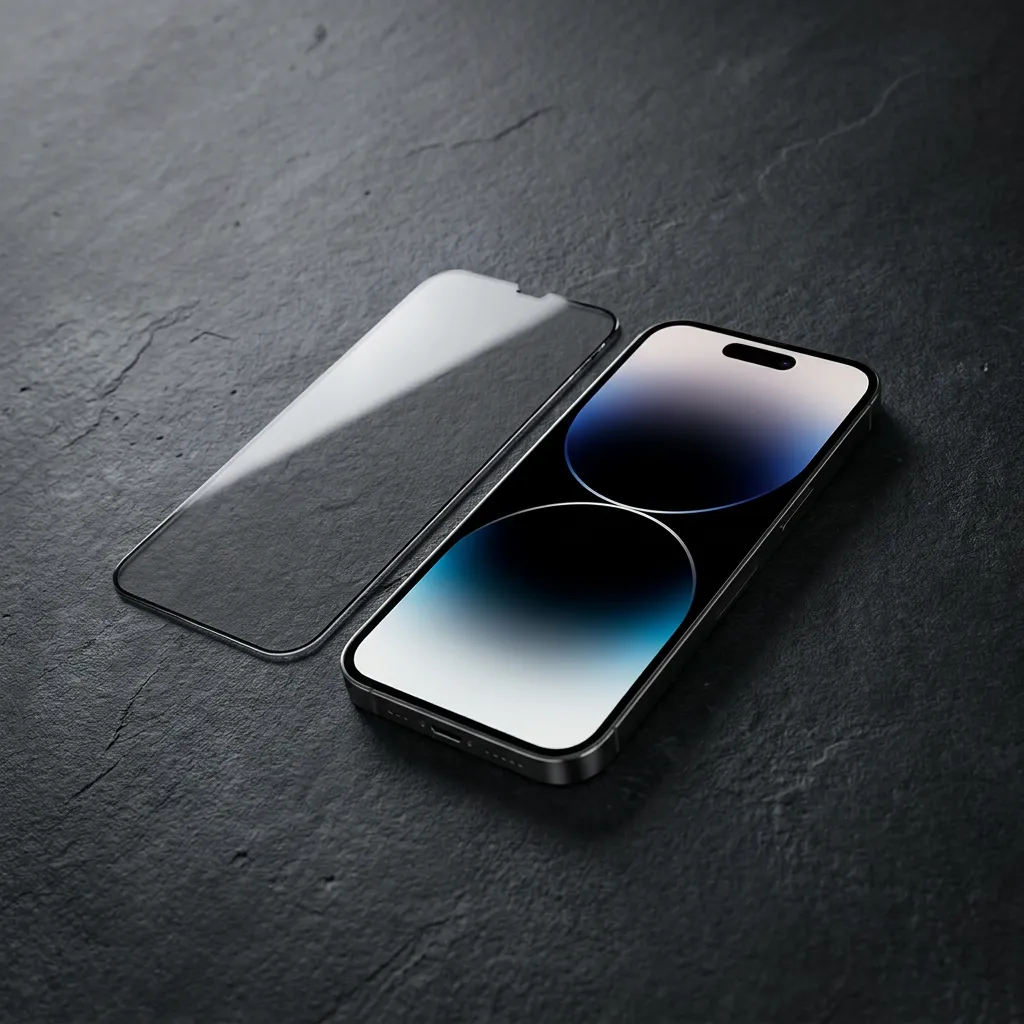
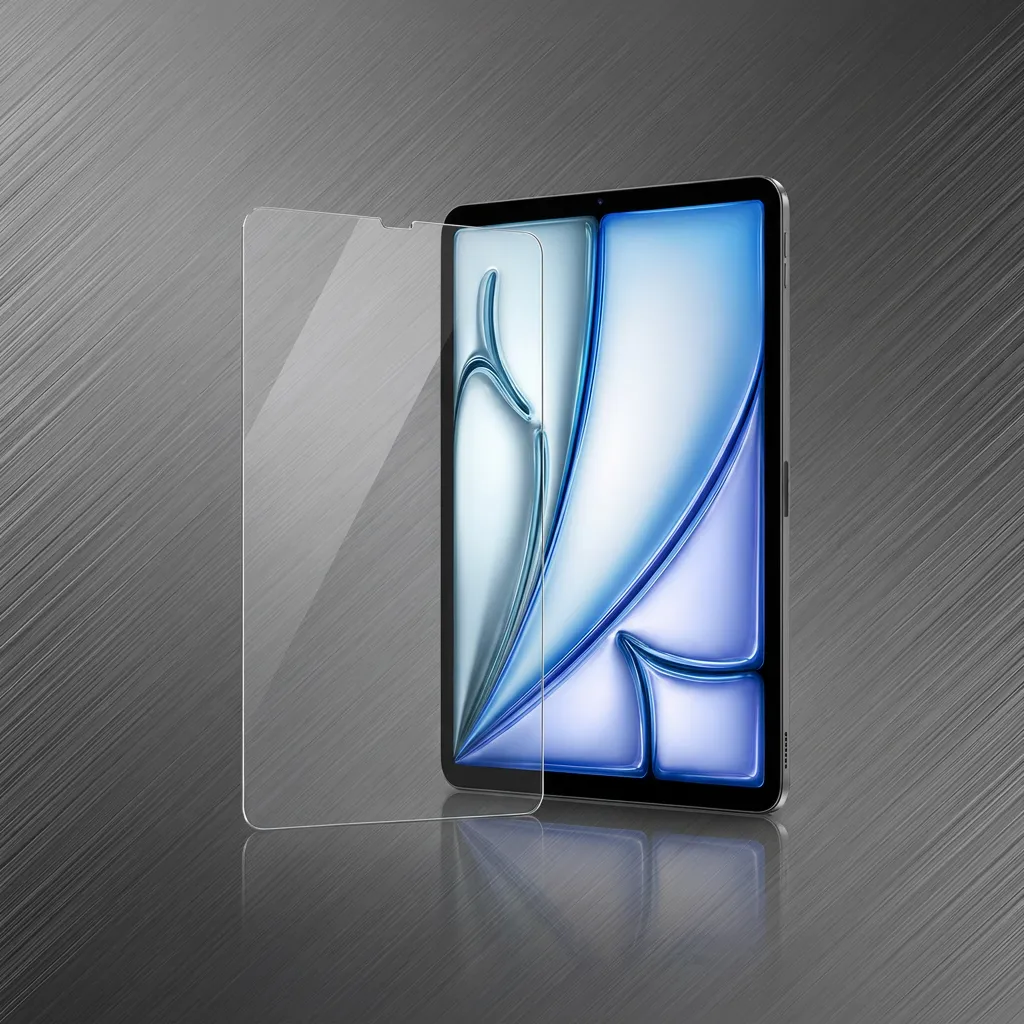
“The protector does not fit” can mean several different things: one corner is raised, a border covers part of the display, or the case presses against the glass. A support team can respond more usefully when it can see which problem you mean.
Before lifting the sheet or attempting another installation, record the current arrangement. A few clear photographs and a short description often explain more than a long message written after several changes.
Take one image showing the entire front, including all four edges. Use soft light from a window or lamp so that the outline is visible. Keep the camera square to the screen for this overview; a steep angle can make a correctly shaped sheet look distorted.
Then take a closer image of the affected area from a slightly lower angle. This can show an edge or a gap that disappears in the first view. Do not press the glass flat merely to make the photograph look tidier—the current condition is the useful information.

If you bought the LUSA DESIGN tempered glass protector with an installation tray, refer to that product and the model option in your order. The page contains several choices, so the listing name alone may not identify the sheet you received. Photograph the relevant packaging label if support requests it.
A screenshot records what the phone renders, not the condition of glass sitting above it. It will not show an actual raised edge or speck trapped under the protector. Use another camera to photograph those details.
If the issue involves touch response, describe one repeatable action, such as a particular keyboard key failing to respond. A short video may help if support asks for one. Avoid repeatedly stressing an edge or pushing harder to reproduce the problem.
Turn off message previews or use an innocuous screen before photographing. Share order information through the store's support channel rather than in a public review image. There is no need to expose passwords, payment information, or unrelated personal content to show how an accessory sits.
A useful first message might read: “I ordered the protector for my iPhone 16 Pro. The upper-right edge appears raised immediately after fitting. The attached overview shows the full alignment, and the close-up shows that corner. The phone has no case in these photos.” Adapt the details to what actually happened.
Keep the packaging and wait for product-specific guidance before trying improvised adhesives or repeated removal. Clear documentation gives LUSA DESIGN a better basis for checking the selected variant and advising on the next step.