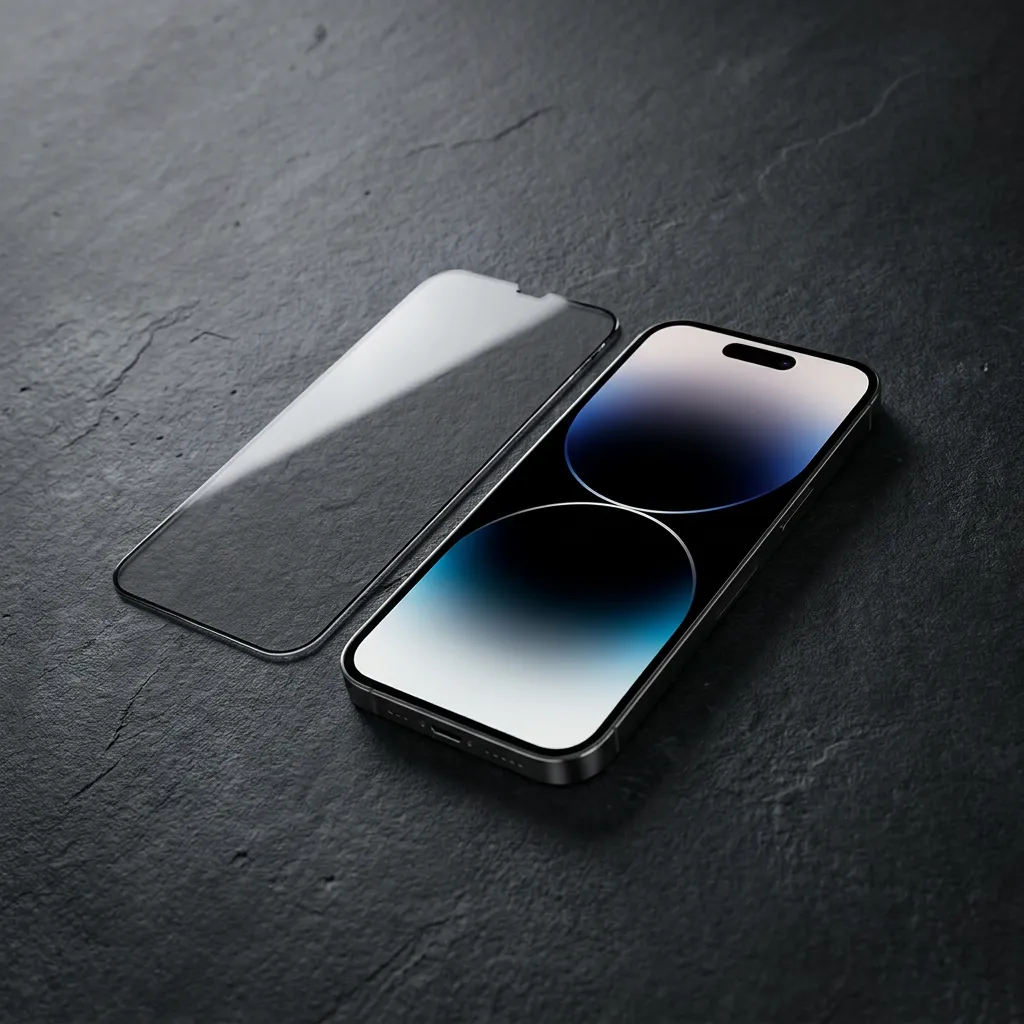
Yes. Put a privacy screen protector on your iPhone and the same brightness setting will look a little dimmer — even when you're looking straight at it. What actually varies is how much dimmer, and whether that difference bothers you in daily use.
The trade-off makes sense if you read work email on a packed train or check messages in a boarding line. It makes far less sense if most of your screen time happens on the couch. So the question worth asking isn't whether the screen gets darker — it does — but whether you can still read comfortably while the person beside you can't.
Here's what determines that, and how to check it before you buy.
Most privacy protectors rely on a microscopic louver structure built into the film — tiny blinds, essentially. Display light passes through when it travels roughly perpendicular to the screen. Angle away, and the louvers block more of it. That's the entire mechanism behind the "black screen from the side" effect you see in every product demo.
What gets less attention is that the same layer costs you light head-on. Not a dramatic amount on a decent film, but enough that a phone at 50% brightness no longer reads like 50%.
This is also why side-angle photos are a poor way to judge a protector. A shot taken at 45 degrees shows the privacy effect at its most extreme, which tells you nothing about whether small text is comfortable to read from where you actually sit.
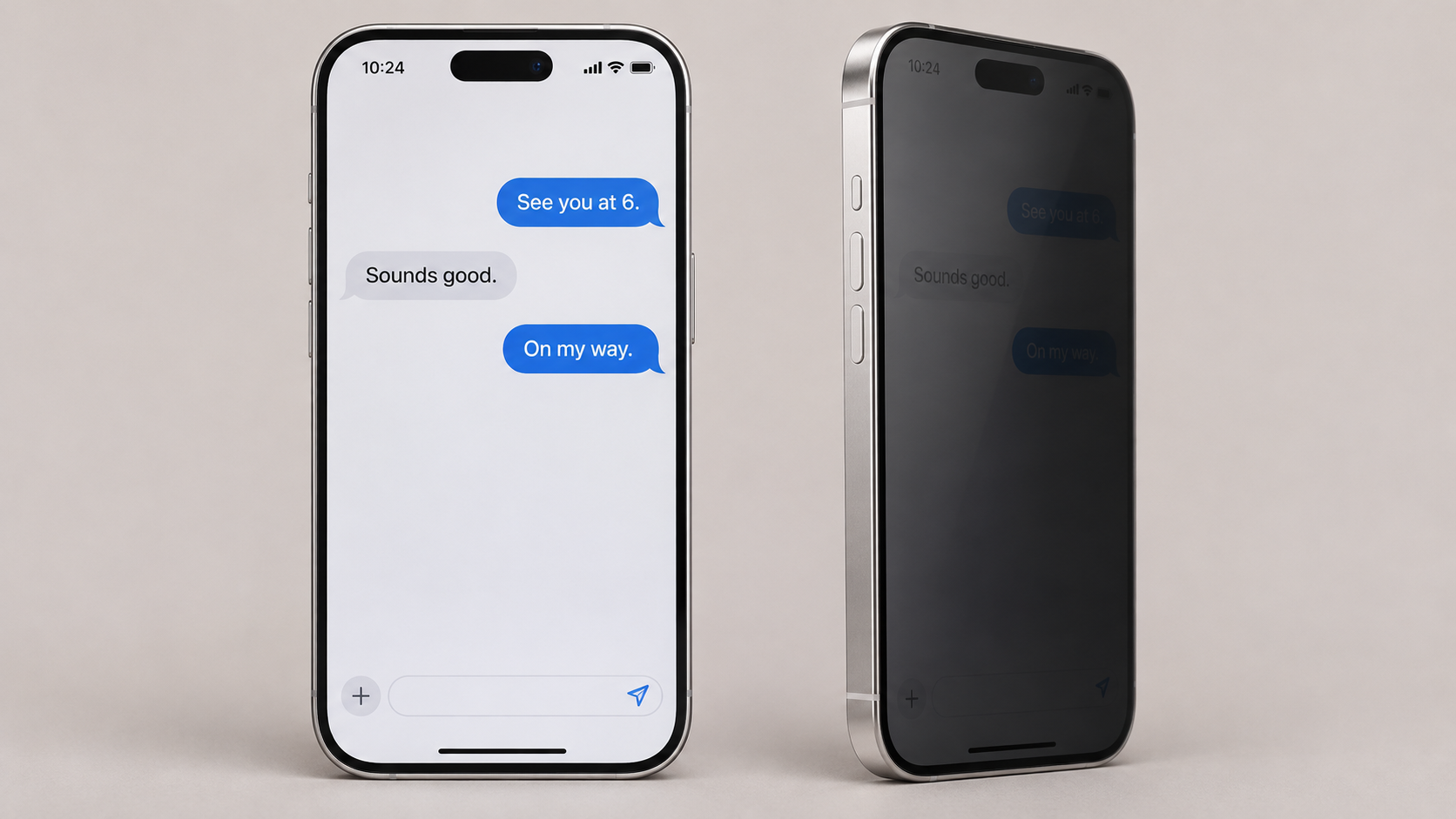
AI-generated illustration of front and side viewing with a privacy screen protector.
Front readability and side privacy are different measurements. A product can be excellent at one and mediocre at the other, and people who end up disappointed with a privacy film almost always decided based on one and ignored the other.
| What to check | What to look for |
|---|---|
| Reading straight on | Small text comfortable at your normal distance, no squinting |
| Your natural grip | Still comfortable when you hold the phone the way you always do |
| From the side | How much a person beside you can actually make out |
| Your usual lighting | Desk, window, subway, couch — test the places you really use it |
| Photos and video | Whether familiar images and dark scenes still look right to you |
A person who mostly reads Slack messages will land somewhere different from someone who shows photos to friends all day. Neither is wrong. The check just has to match your habits.
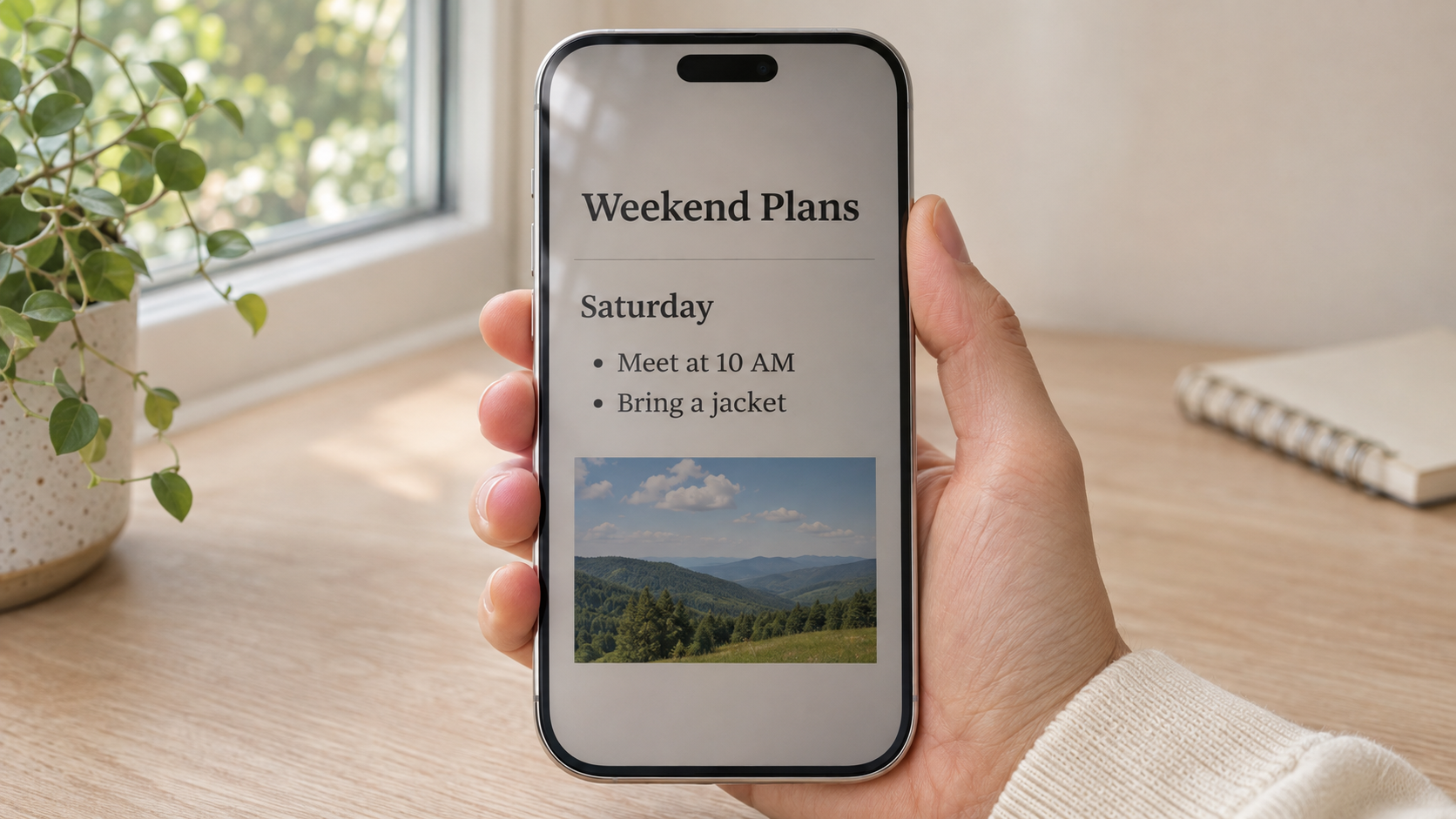
AI-generated illustration of everyday reading with a privacy screen protector.
Before you return anything, make the comparison fair. Same phone, same content, same room, same distance, same brightness — and turn auto-brightness off, or it will quietly change the setting mid-test. Look straight at the screen first, then move it into your normal holding position. Those two views can feel surprisingly different.
Then nudge brightness up a notch and re-check what someone beside you can see at the new setting. If privacy collapses the moment the screen becomes comfortable, that's useful information: the film may simply be too light for how you use your phone.
Installation deserves a second look too. A protector sitting a hair off-center, or with a bubble along one edge, can create a bright or dim band that reads as "bad film." Confirm you have the right model for your exact iPhone, follow the alignment guidance, and if anything looks uneven, send the seller a photo before you decide.
And test both orientations. Some two-way films are built for side privacy in portrait, so rotating to landscape changes what's actually protected.
These solve different problems, and it's easy to buy the wrong one.
| Your main complaint | What you need | What to confirm |
|---|---|---|
| The person next to me can read my messages | A privacy screen protector | Front readability and the stated privacy directions |
| Windows and overhead lights wash out the screen | An anti-reflective (AR) film | Reflection performance in the rooms you actually use |
| Both | A film that explicitly lists both features | Both features named on the exact model you're buying |
If reflections are your real complaint — a window behind you, lights overhead — a privacy film won't fix it, and may make it slightly worse by cutting light. If your complaint is the guy leaning into your shoulder on the train, AR coating does nothing for that. Some films do both; confirm the features are listed on the specific model, not just somewhere on the product page.
The exact model. Full iPhone name, plus installation and case-fit notes. "Fits iPhone 15" is not the same as fitting your phone.
A demo that shows both views. Front and side, ideally with the phone, lighting, and brightness level stated. A single dramatic side shot is marketing, not evidence.
Which directions it blocks. And what happens to that when you rotate the phone.
Numbers with context. If a listing quotes light transmission, look for the test conditions and the comparison baseline. A percentage with no reference point means nothing.
Your own habits. How much of your screen time happens in shared space? That's the honest input for this decision.
No. Darkness and privacy are related, but they aren't the same thing. Some films look dark from the side and stay perfectly readable head-on; others just cut light in every direction. You have to judge both to know which one you're holding.
Yes, if they're inside the viewing cone. A privacy film limits angles; it doesn't know who's allowed to look.
Depends on the film. Check the stated privacy directions and test the orientation you actually use. If you watch a lot of video, test landscape before you commit.
Think about the last time you tilted your phone away from someone. That moment — the subway seat, the airport gate, the shared desk — is the real spec sheet for this purchase.
Browse LUSA DESIGN screen protectors and check the product page for your exact iPhone model. If you're still weighing privacy levels, our guide to iPhone privacy screen viewing angles breaks down what 20° and 30° actually mean in everyday use.