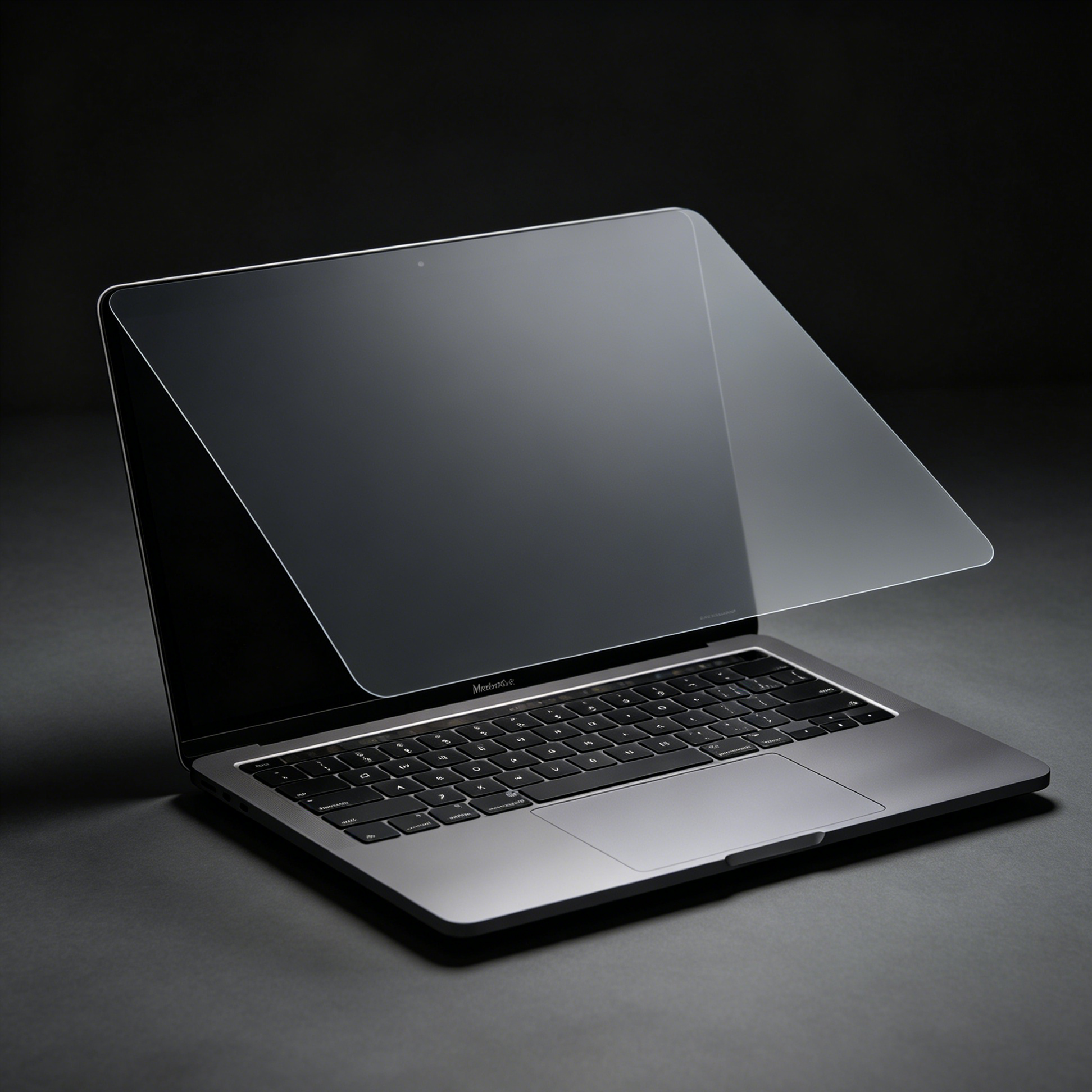
Two laptops, both sold as 14 inch. One has a 16:9 panel, the other 16:10. The glass on the second is roughly 8 mm narrower and 15 mm taller. A film cut for the first leaves a strip of screen exposed at the top — which is exactly where browser tabs and email subject lines sit.
This is the second most common wrong purchase in the category, after model-year confusion. And unlike model numbers, it is easy to rule out before you buy, because the ratio is printed in the one spec nobody reads: the resolution.
Screen size is measured diagonally, corner to corner, across the visible glass. A diagonal constrains the rectangle but does not define it. Given 14 inches, you can build a very wide, short rectangle or a narrower, taller one — and both are legitimately 14 inch.
The industry settled on two defaults: 16:9, which is the shape of television and most older laptop panels, and 16:10, which is what you get when you add vertical space back for toolbars and documents. Apple has used 16:10 on MacBook Pro and MacBook Air for years. Windows laptops split: gaming and budget machines lean 16:9, productivity machines lean 16:10.
| Ratio | Typical resolution | 14 inch glass (approx) | Shape |
|---|---|---|---|
| 16:9 | 1920 × 1080 | 310 × 174 mm | Wide and shallow |
| 16:10 | 1920 × 1200 | 302 × 189 mm | Narrower, 15 mm taller |
| 3:2 | 2256 × 1504 | 287 × 191 mm | Tallest of the three |

Put those numbers next to a film listing that says only "14 inch" and you can see the problem. Fifteen millimetres is roughly the height of two lines of text — or the entire browser tab strip.
Three failure modes, all from the same cause:
None of these are solved by "buying the bigger one". They are solved by matching the ratio.
If you cannot find the resolution, measure the visible glass with a ruler and divide. Same answer, one extra minute.
| Machine | Ratio | Film to buy |
|---|---|---|
| MacBook Pro 14 / 16, MacBook Air 13.6 / 15 | 16:10 | MacBook-specific cut |
| Older 14 inch Windows laptops, gaming 15.6 | 16:9 | 14 inch 16:9 removable film |
| Newer productivity 14 inch Windows laptops | 16:10 | Measure and match, do not assume |
| Microsoft Surface Laptop | 3:2 | Surface-specific cut only |
| Mixed fleet, unknown machines | Any | universal 13.3 to 16 inch, accepting one exposed edge |
If your machine is specifically a MacBook Pro 14 or 16, the fit question is answered by model number rather than ratio — see the MacBook Pro 16 model-year guide for the A numbers.
Universal films exist because sellers cannot stock every panel, and they solve a real problem: one SKU, many laptops, no measurement. But they work by covering the largest common rectangle and holding on with tabs or a frame.
On a 16:10 machine, that means the top or bottom band of your display — the part with the menu bar, the tab strip, the notification area — stays readable to anyone beside you. That is usually the exact content you wanted to protect.
They are a reasonable answer for a shared hot-desk fleet. They are a poor answer for one laptop you use every day.
A privacy film is a rigid flat cut, so the tolerance is tight: roughly one millimetre in either direction. Under-sized and you get an exposed strip, which defeats the product. Over-sized and the film climbs onto the bezel, the edge lifts, and dust gets under it within a week.
That is why ratio matters more than any single measurement. If your glass is 302 mm wide and the film is cut 310 mm, you are 8 mm over — the corner will lift even if you measured correctly. Ratio tells you which stock cut you belong to, before measurements start arguing.
One exception worth knowing: at 15.6 inch, the market never finished the move to 16:10. Most 15.6 inch panels are still 1920 × 1080, which means a 15.6 inch film is usually the safe assumption. The shift to taller panels happened first at 13 and 14 inch, where battery life and portability made the trade worthwhile.
So the rule inverts slightly by size: at 14 inch, assume nothing and check. At 15.6 inch, 16:9 is the default and 16:10 is the exception.
Is 16:10 better than 16:9?
That is a preference about vertical workspace, not about privacy. For fit, what matters is that the film matches whatever you have.
Can I trim a 16:9 film down to fit a 16:10 screen?
No. You would need to add height, not remove it, and the louvre structure cannot be re-edged cleanly anyway.
My listing said 14 inch and it did not fit. Why?
Because 14 inch describes a diagonal. Check the resolution before assuming the listing was wrong.
What if my laptop is 3:2?
Then neither 16:9 nor 16:10 works. 3:2 is a taller rectangle and needs its own cut — we covered this separately for Surface machines.
Does ratio affect how private the film is?
Not directly. Angle class controls privacy; ratio only controls whether the film covers the glass.
Resolution first, diagonal second. Read the native resolution, divide width by height, and buy the rectangle that matches — not the number on the sticker.
Tell us your resolution and we will confirm which cut fits before you order. Browse laptop privacy screens.