Gate B12, 6:40 a.m. You open your laptop to check an invoice before boarding. The man in the next seat is not looking at your screen. He is looking at his phone, held at just the right angle, and your screen is in the background of his.
This is not paranoia. In a 1,173-participant study on visual privacy, researchers found that after a single glance at someone else's display, participants could reconstruct on-screen content correctly 64% of the time. Two glances pushed accuracy close to 80%. Security teams have a name for it: shoulder surfing. A Vanson Bourne survey of 1,000 IT decision-makers found roughly one in four named visual hacking as a live concern inside their own organization.
So the angle number printed on a privacy screen actually matters. The problem is that almost nobody explains what the number measures — and once you understand it, the whole category stops being confusing.
Every real privacy screen is built on the same optical idea: microlouver film. Thousands of microscopic black blades are suspended inside a clear substrate, running vertically like blinds in a window. Light travelling straight at the film passes between the blades. Light arriving at an angle hits a blade and is absorbed.
The blades do not care about intent, brand, or price. They care about geometry. Change the spacing and depth of the blades, and you change the angle at which the image disappears — which is exactly what the number on the box is trying to describe.
That is also why a cheap tinted film is not the same product. A tint reduces brightness at every angle, including straight on. It makes the screen harder to read in a coffee shop and does nothing to stop the person beside you from reading it too.
Here is the part the packaging never says out loud.
| Label | What it measures | Direction of "more private" |
|---|---|---|
| 20° | The size of the clear cone — how far off-centre you can move before the image fades | Smaller number = more private |
| 180° / 360° | The size of the blocked arc — how much of the room around you is covered | Larger number = more private |
Read those two rows together and the confusion dissolves. A 20° screen and a 360° screen are not two points on one scale. They answer two different questions: how narrow is my window versus how many directions are closed off.
A 20° screen has the narrowest clear window we build. Sit directly in front of it and the display looks normal. Drift roughly 20° off-axis — about the width of the seat next to you — and the image collapses toward black. There is no gradual dimming you can argue with; the content simply stops being available.
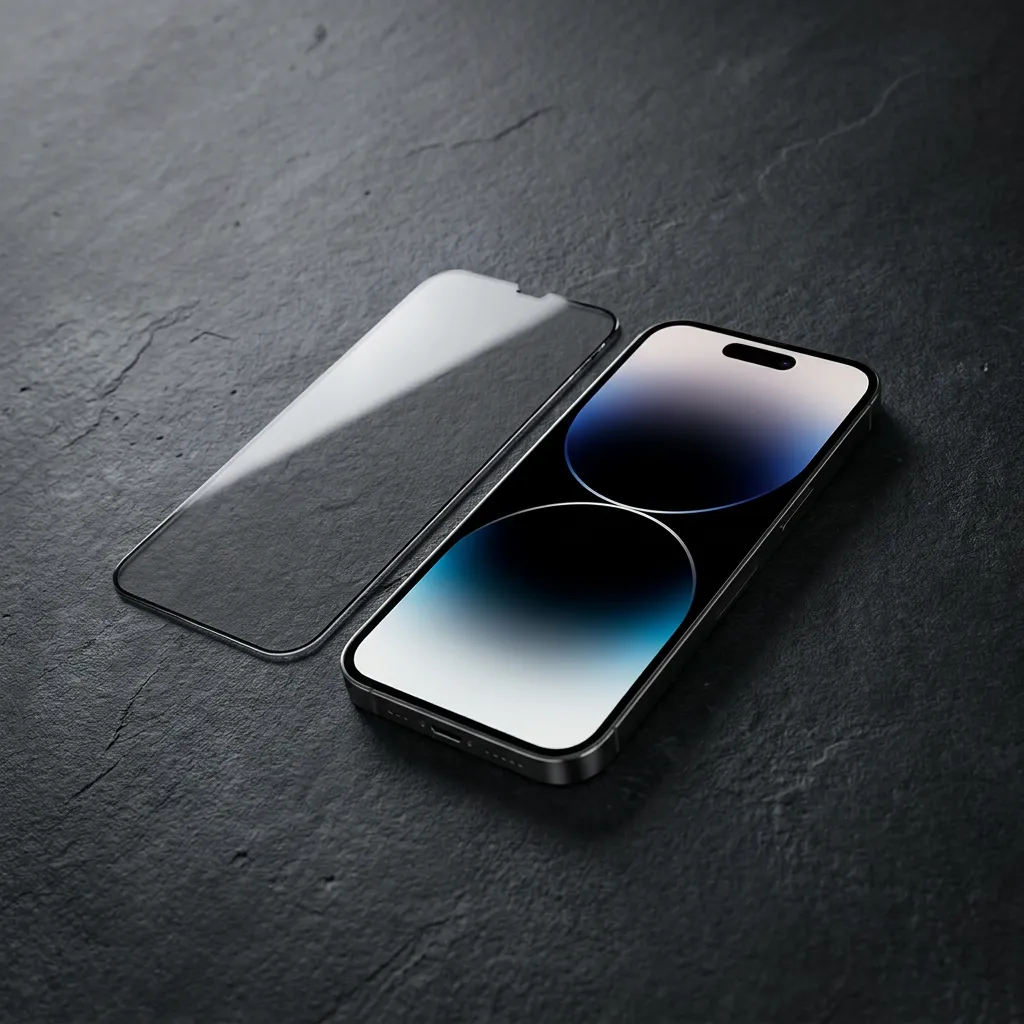
That is genuinely aggressive, and it is the right answer only when you are the sole viewer. The trade-off in this class has always been front-view quality: a tight louver throws away a lot of light. Our 20° anti-reflective privacy screen for iPhone 18 Pro and Pro Max pairs the louver with an AR coating, which keeps reflectance under 1.2% and light transmission around 98% instead of leaving you with a dull grey rectangle.
Choose 20° if: you use your phone in crowds, on transit, in queues, in bright outdoor light, and you never need to show anyone your screen.
A 180° label describes a different job: the side arcs are closed. Someone leaning in from your left or right gets black. You, sitting in front, keep a comfortable viewing position with room to shift your head, which is what makes this class workable for a device you actually look at for hours.
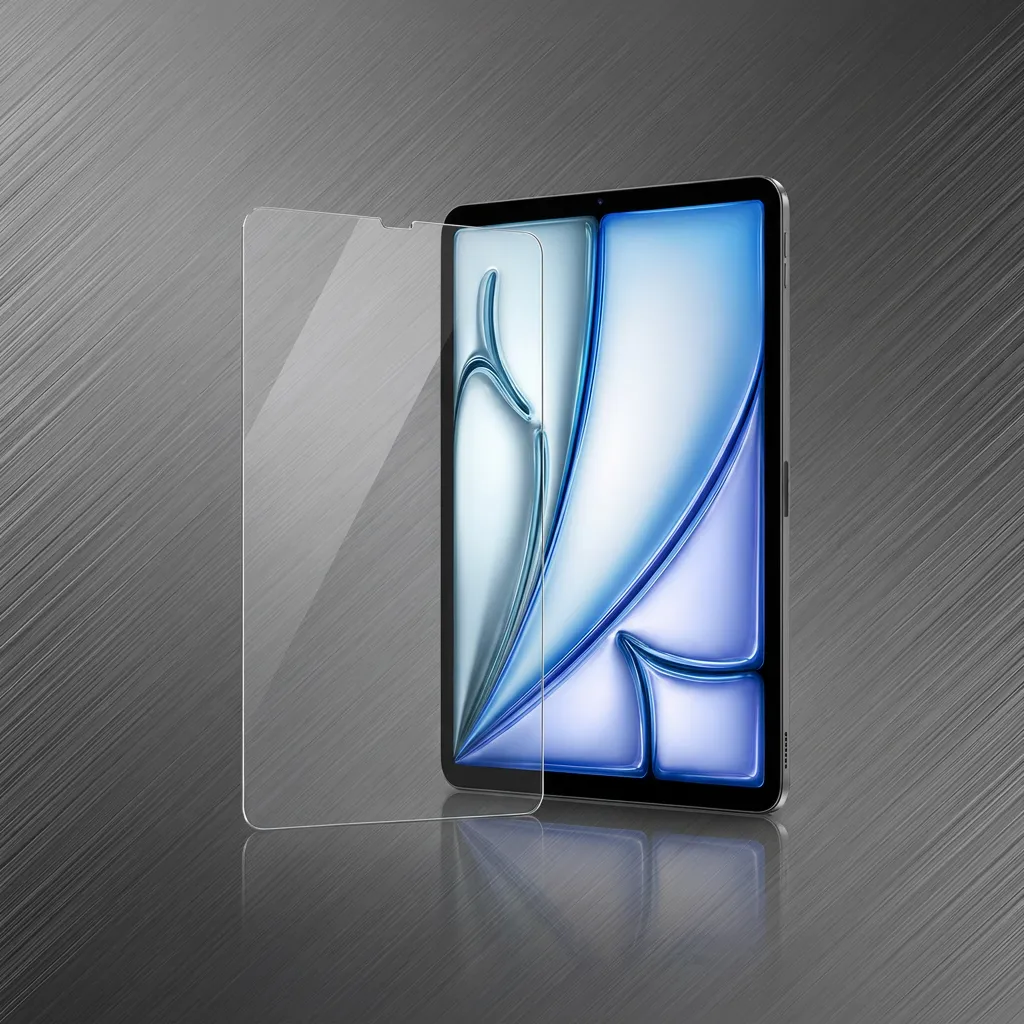
This is the sensible default for tablets and for laptops used across a table — lecture halls, meeting rooms, kitchen tables, waiting rooms. It is also the class where edge geometry starts to matter, which is why our 180° screen for iPad Pro 13 uses a 2.5D curved edge so the film does not catch on a sleeve or a pencil case.
Where it stops: 180° covers the sides. It does not promise anything about someone directly behind you, or about a device turned into landscape where an onlooker now sits inside the protected arc. If that is your room layout, you need the next tier.
360° means four-way: left, right, top and bottom. Rotate a tablet into landscape and the person beside you is still outside the cone. Look down at a laptop and someone standing behind your shoulder is covered too. This is the class built for open offices, shared desks, aeroplane rows and any seat where the audience is not limited to one side.
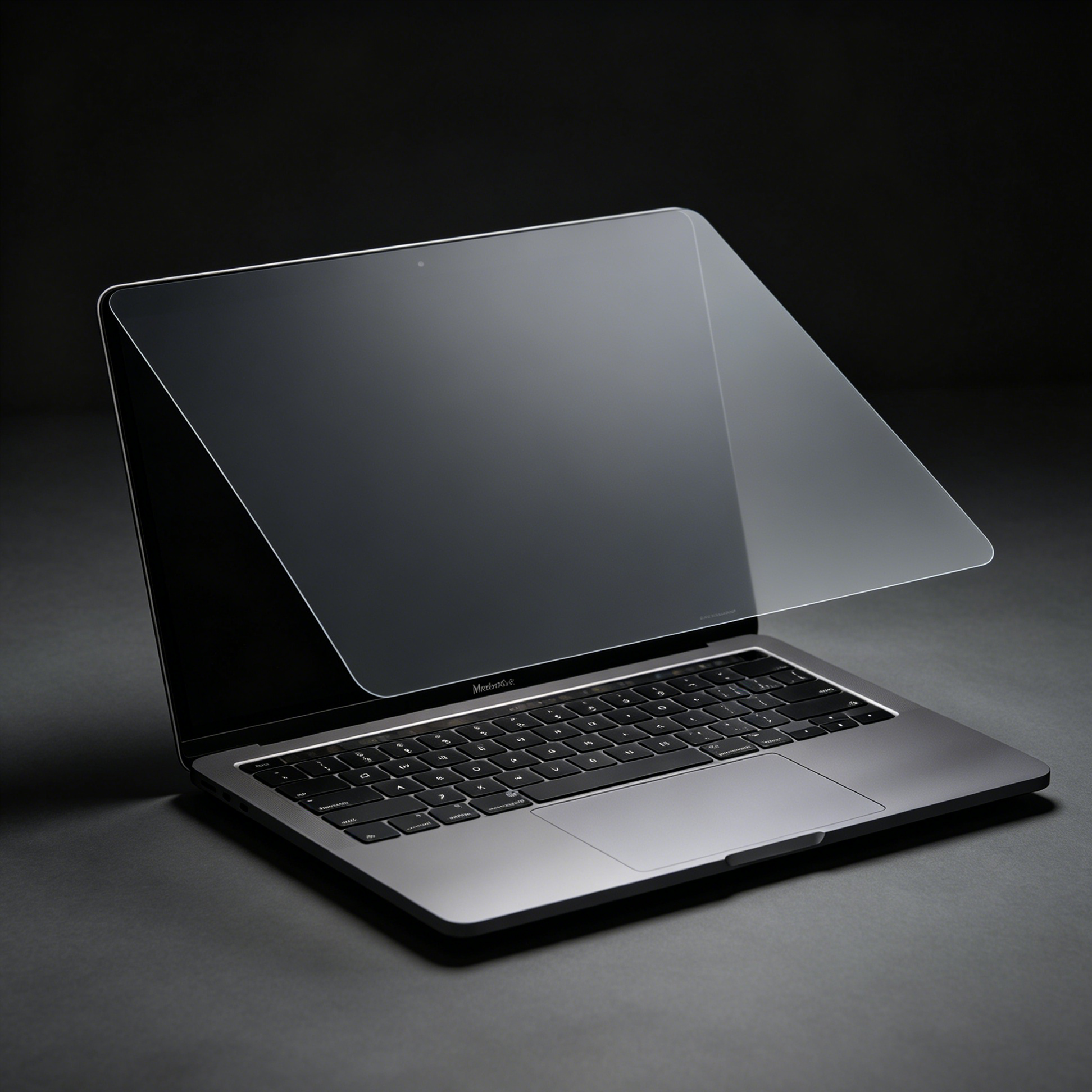
It is also the class with the most engineering behind it, because four-way louver film has to be laminated, not just adhered. Our 360° full-glue privacy screen for iPad Pro 11 and 13 uses full-surface optical adhesive for that reason, while the MacBook Pro 16 version uses a removable magnetic mounting instead, so you can take it off for a presentation and put it back for the flight home.
Choose 360° if: people sit on more than one side of you, or you rotate between portrait and landscape on the same device.
| 20° | 180° | 360° | |
|---|---|---|---|
| What the number describes | Clear cone | Blocked side arc | Blocked arc, all four sides |
| Coverage | Front only | Left and right | Left, right, top, bottom |
| Landscape use | Not intended | Partial | Full |
| Head movement while reading | Minimal | Comfortable | Comfortable |
| Showing someone your screen | Impractical | Workable if they lean in | Workable in front |
| Typical device | Phone | Tablet, thin laptop | Tablet, laptop, monitor |
| Best setting | Transit, street, queue | Classroom, shared table | Open office, plane, cafe counter |
Answer the seating question first. Everything else follows from it.
| If this is your situation | Angle | Start here |
|---|---|---|
| Phone in hand, people close, nobody needs to see it | 20° | 20° AR privacy, iPhone 18 Pro / Pro Max |
| iPad on a table, one neighbour, you read or take notes for long stretches | 180° | 180° for iPad Pro 13 |
| Laptop or tablet with people on both sides and behind you | 360° | All privacy screens |
| Device | Angle | Mounting |
|---|---|---|
| iPhone 18 Pro / Pro Max | 20° | Adhesive, AR coated |
| iPhone 15 / 16 / 17 | 180° or 360° | Adhesive, dust-free install |
| iPad Pro 11 / 13 | 180° | Full glue or magnetic |
| iPad Pro 12.9, iPad Air, iPad 10.2 | 360° | Full glue or magnetic |
| MacBook Pro 14 / 16, MacBook Air 13.6 / 15 | 360° | MagicSuction removable |
| Surface Laptop 7 13.8 / 15.3 | 360° | Magnetic |
| Any 13.3 / 14 / 15.6 / 16 laptop, Lenovo to ASUS | Universal | Removable tabs |
| 21.5 inch desktop monitor | 360° | Removable frame |
If your exact model is not listed, the universal removable screen for 13.3 to 16 inch laptops covers the common sizes without a model lookup.
Every honest privacy screen costs you something. Ours included.
Two minutes of this tells you more than the listing did.
Is a smaller degree number always more private?
No. 20° is more private than 180° only in the sense that its clear window is narrower. 180° and 360° protect more directions. Compare a 20° to a 360° screen and you are comparing a cone to a coverage map.
Does a privacy screen make the display dimmer?
Straight on, a good one barely changes anything — our 20° line holds roughly 98% light transmission with AR coating. Off-axis is where the drop is meant to happen.
Can I still take photos or record video of my own screen?
Yes, from directly in front. Filming at an angle will show black, which is the same property that protects you. If you record tutorials, keep the camera centred.
Does 180° still work when an iPad is in landscape?
Partially. Rotating the device moves one onlooker into the protected arc and can move another out of it. If landscape is your main mode, choose 360°.
Can a privacy screen hurt my eyes?
The film does not emit anything. What people notice is the moire pattern on some low-quality films and the extra effort of reading a dimmer off-axis image. Sitting centred and choosing an AR-coated option removes most of that complaint.
Will 360° film interfere with a case or a screen protector on the back?
Full-glue film sits flush and works with most cases. Check clearance if your case has a raised lip over the display edge.
Match the angle to who is sitting where — not to the biggest number on the box. Phone in a crowd: 20°. Tablet across a table: 180°. Laptop with an audience on three sides: 360°.
If you are still unsure, tell us the device model and the seat you sit in most often, and we will point you at the right one. Browse the full privacy screen range.