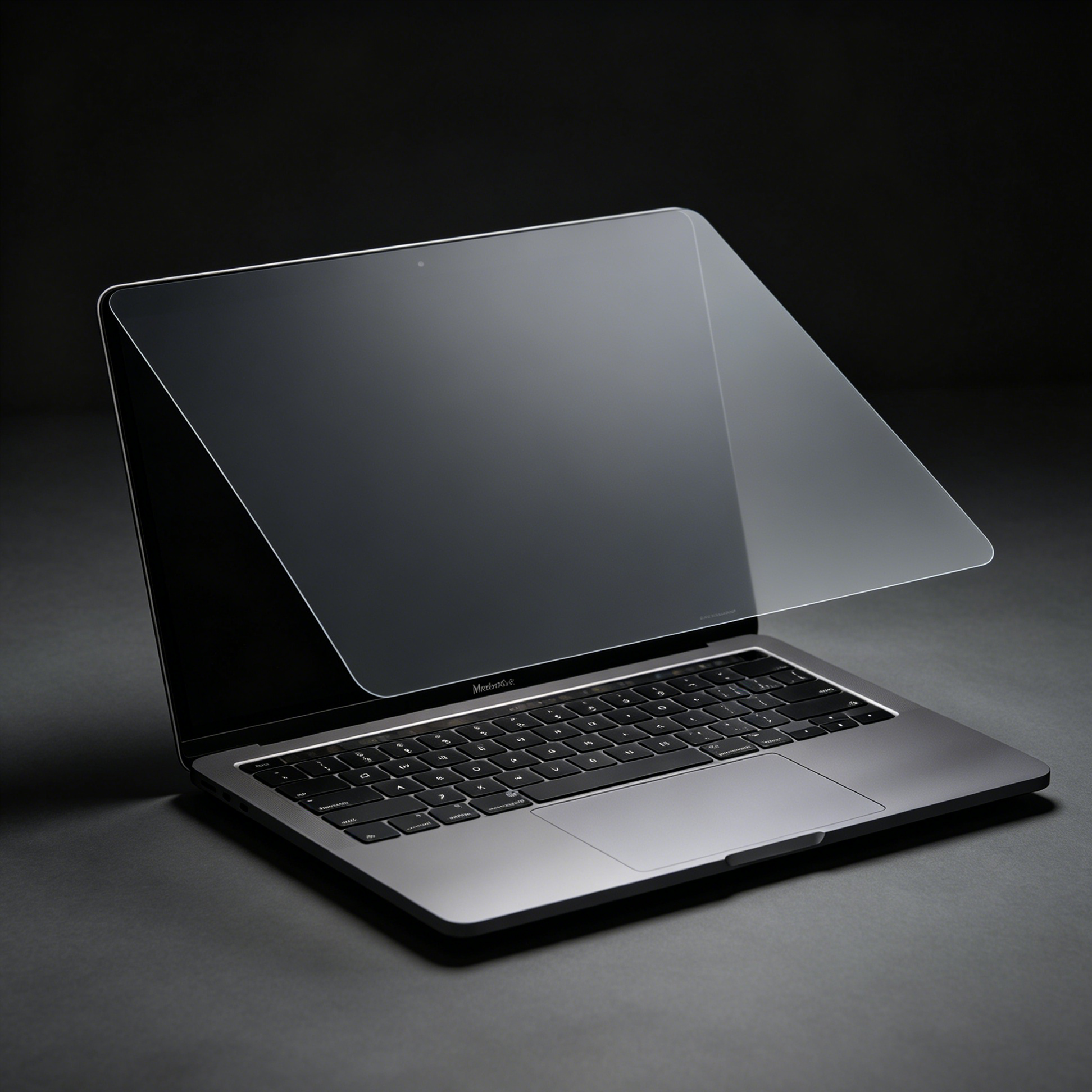
You order a privacy screen for a 16-inch MacBook Pro. It arrives, you peel the backing, you line up the corners — and the film is a few millimetres short at the top, or the notch cutout lands over the camera instead of around it. The laptop turns out to be a 2019 model. The film was cut for a 2021.
It happens because Apple has sold four different 16-inch MacBook Pros with three different bodies, and every one of them is described the same way on a product listing: 16 inch. The display size never changed. The glass did.
The good news: on this model you only need one number to get it right, and it is printed on the laptop itself.
Turn the laptop upside down. Near the hinge, in small print among the regulatory text, there is a line that reads Model A2xxx. That is the number to match.
Three other places give you the same information if the print has worn off:
If you only have the laptop, use the bottom case. It has never lied.
| Model year | Chip | Model number | Same body as | Fits our 16-inch film |
|---|---|---|---|---|
| 2019 | Intel Core i7 / i9 | A2141 | Nothing else | No |
| 2021 | M1 Pro / M1 Max | A2485 | 2023 models | Yes |
| 2023 (Jan) | M2 Pro / M2 Max | A2780 | 2021 and 2023 M3 | Yes |
| 2023 (Nov) | M3 Pro / M3 Max | A2991 | 2021 and 2023 M2 | Yes |
| 2024 | M4 family | Own identifiers | Same panel and footprint | Verify first |
When Apple replaced the 2019 body in 2021, it changed almost everything about the display: a 16.2-inch panel at 3456 × 2234, thinner bezels, and a camera notch in the top edge. Then it reused that exact assembly for the M2 and M3 generations.
From the outside, the film sees the same three things every time: the same visible glass area, the same bezel width, and the same notch geometry. Chips changed. Ports stayed. The cut did not move.
That is why our 16-inch MagicSuction privacy screen lists all three identifiers in one title instead of splitting into three listings that would be, physically, the same product.
The 2019 16-inch was a different design solving a different problem. It carried a 16-inch panel at 3072 × 1920, thicker bezels, no notch, and a larger overall lid. A film cut for the 2021 generation will be too small for the glass and misaligned around the camera.
This is the single most common wrong order in this category, because the two laptops look nearly identical in listing photos and both are called 16 inch. If your About This Mac says Intel and the year is 2019, stop — this is not the A2485 family.
When Apple moved to M4, it kept the 16.2-inch panel and the same chassis dimensions. Nothing about the glass changed, so the film from the 2021–2023 generation is physically correct on an M4 machine.
We still tell people to check the model number first, for one reason: the moment you assume a generation is identical is the moment Apple changes a bezel. The check costs twenty seconds; a return costs a week.
Measure the visible glass only — the lit area plus its black border, not the aluminium lid. Two checks settle it:
Those two observations separate every model in this article without a single tool.
Larger panels are where mounting method stops being a detail.
| Magnetic (MagicSuction) | Adhesive | |
|---|---|---|
| Install | Align and let it seat | Dust-free alignment required |
| Remove for a presentation | Seconds, no residue | Not practical |
| Travel in a sleeve | Stays put, lifts off when needed | Permanent, thin |
| Best for | Hybrid work, shared desks | One fixed desk, set and forget |
A 16-inch lid is a large surface, and a large adhesive film is unforgiving of a single dust particle. On this size we generally recommend removable mounting unless the laptop never leaves one desk.
Fitting is the first problem. The second is knowing how private the result is. Our 16-inch screen uses a four-way louvre film, which on a laptop is the version that matters — someone standing behind your shoulder at a gate or in an open office is inside the protected arc, not outside it.
If you are unsure what the angle numbers on the box mean, we wrote a separate plain-English explainer: what 20, 180 and 360 degree privacy actually mean.
Same rule, different numbers, and the sets do not overlap. The 14-inch MacBook Pro has its own four identifiers — A2442, A2779, A2918 and A2992 — which is why a 14-inch film will not fit a 16-inch lid and a 16-inch film will not fit a 14-inch one, even though both are sold as MacBook Pro screens. The 14-inch MagicSuction screen covers that set.
MacBook Air 15 is a third set again. If your lid says Air rather than Pro, ignore everything above and match your own A number — the body is thinner and the bezel is different.
The pattern is consistent enough to remember: the A number is the only identifier that decides fit. Screen size narrows the search; it never confirms it.
Will a 2021 film fit my 2023 M3 MacBook Pro 16?
Yes. A2485, A2780 and A2991 share the same display assembly and the same cut.
My About This Mac says MacBookPro18,1. Which model is that?
That identifier belongs to the 2021 16-inch, model A2485. Later generations use different identifiers, which is why the A number on the bottom case is the more reliable check.
Does the film cover the notch or the camera?
It is die-cut around the notch, so the camera stays uncovered. Face ID is not affected on Macs because the camera does not use it; the sensor area stays clear either way.
Can I cut a 14-inch film down to fit a 16-inch?
No. The louvre structure runs in one direction and cannot be re-edged cleanly, and you would lose the notch cut. Buy the size, not the sheet.
Will it stop the lid closing?
A properly fitted privacy film is thin enough that the lid closes normally. If you feel resistance, the film is misaligned, not too thick.
Does it work with a hard shell case?
Yes. The film sits inside the display bezel, and a shell wraps the outside of the lid. The two do not touch.
Flip the laptop, read the A number, then buy. A2485, A2780, A2991 — all one film. A2141 — a different one, and not ours. Everything else is detail.
Still unsure? Send us the A number from your bottom case and we will confirm the fit before you order. See all MacBook privacy screens.