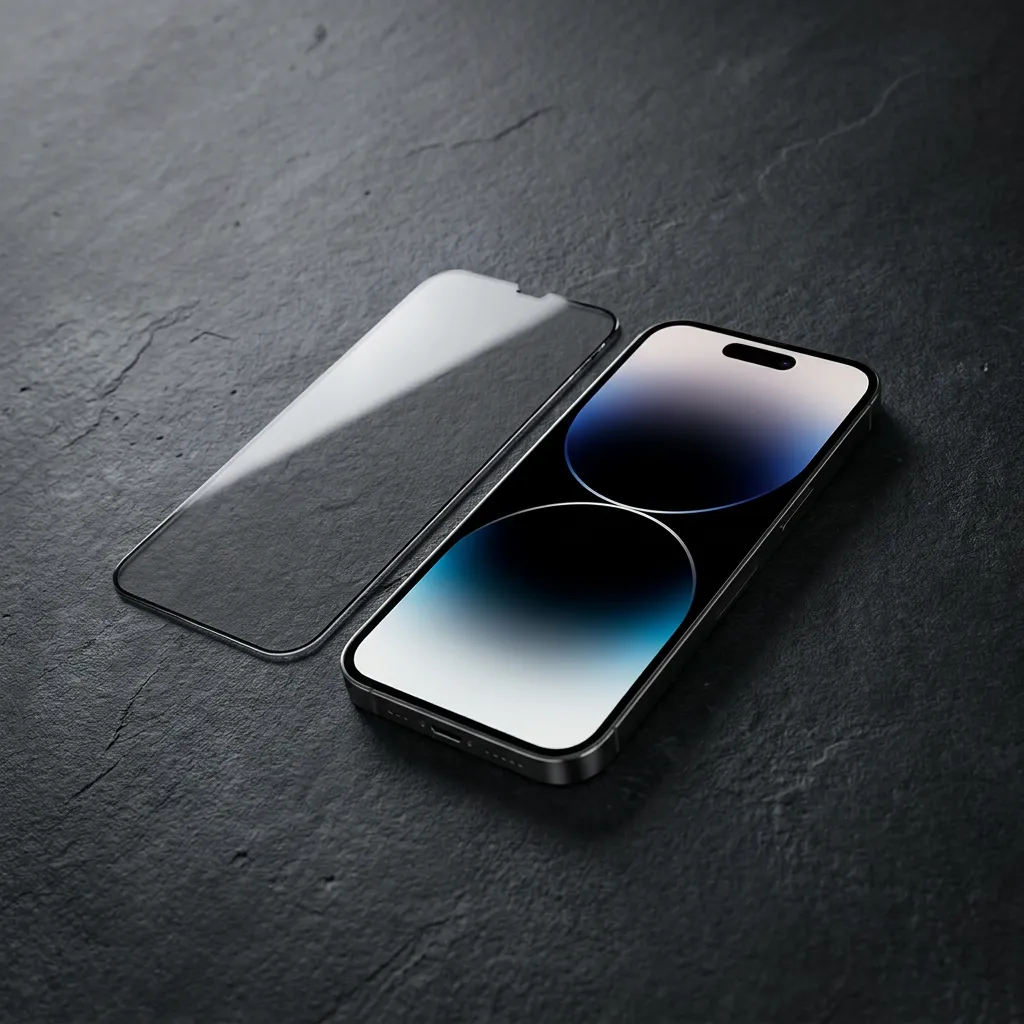
Every privacy film on the market claims the same six things. A 20 degree viewing angle. Anti-reflective clarity. Impact protection. A 2.5D edge. One-pull installation. An oleophobic coating. Those exact bullet points appear on an $8 film and on a $26 film, and the wording is identical because the wording is free.
What differs is the construction behind each line, and that is what you are actually paying for. The six tests below are the ones worth running, ordered by how much each failure costs you. Three you can run against a listing before you spend anything. Three take ten minutes once the film is in your hand.
Almost every listing says "anti-spy". Very few give a number, and a number is the only thing you can compare across products.
The number describes the clear viewing cone: the total angle, centred on the screen, inside which the picture stays readable. A 20° film therefore gives you about 10° to each side of centre. At a normal 30 cm holding distance that cone is roughly 10 cm wide, slightly wider than the screen itself. At 50 cm, with the phone on a table, it is about 17 cm. Your eyes sit inside it. The person one seat over, 80 cm laterally, is far outside it.

In the hand the test is simple. Hold the phone at arm's length, then rotate it away from you in one slow movement. A real louver goes black within a couple of degrees. A dyed or low-density film fades through grey first, and grey still leaks: you can read a message at 45° through a weak film if you know the language and the layout.
Two other failures show up at this stage. Rainbow moiré on white backgrounds means the louver pitch does not match the panel. A brightness drop beyond about 40 percent means the film is blocking far more light than a 20° design should.

This is the test that separates a film you will keep from one you peel off in a week, and almost nobody runs it before buying.
Switch the phone off, hold it under a lamp, and look at the black glass. Bare glass reflects about 4 percent of the light hitting it, which is why an uncoated black screen shows a clean outline of the window behind you. A privacy film adds another glossy surface on top, so a cheap one reflects more than bare glass, not less. That is the whole reason cheap privacy films look grey and washed out in daylight.
An anti-reflective stack fixes this separately. It is four to eight dielectric layers, each about a quarter wavelength thick, arranged so reflections from the layer boundaries return out of phase and cancel. A good stack takes surface reflection below 1.5 percent and passes around 98 percent of the light. Nothing is blocked; the reflection is subtracted.

A pass looks like one dim ghost of the light source, no readable outline of the room, and blacks that stay black. A fail looks like the room is legible in the glass, and the screen seems to have a grey veil over it even at full brightness.
One clarification that saves a return: AR is not matte. Matte scatters light, which kills glare but softens every letter on the panel. AR cancels reflection and keeps the panel sharp. If a white page looks slightly hazy, you bought matte.
Tempered glass works as a sacrificial layer. A scratch that would have landed on the panel lands on the film, and a chip at the edge takes the damage instead of the glass underneath. That part is real, and it is reason enough to fit a film even if you do not care about privacy.
What is not real is the inference people make from "9H". 9H is a surface hardness on the pencil scale. It measures scratch resistance and says nothing at all about impact. A 9H film can still shatter from a waist-high drop onto tile, and when it does it usually starts at the edge, because that is where the glass has least support.

So ask two separate questions. For scratches: what is the hard coat rated, and does the listing mention keys, coins or grit? For impact: does it give a drop height, and is the film full coverage or cut short of the curved edge? A film that stops two millimetres short of the frame leaves the most vulnerable part of the glass exposed.
None of this replaces a case. A film protects the glass from scratches and light knocks; the body and the corners are still yours to defend.
Edge finish is the most under-specified part of any screen protector and the one you feel every day.
2.5D describes the profile of the outer millimetre: it is polished into a curve instead of being cut square. A 2D edge is a 90° corner of glass, and it causes four specific annoyances. It catches light as a bright rim. It feels sharp against a thumb swiping back. It chips. And it lifts where a case pushes against it, leaving a gap wide enough for dust to collect in a visible line.

The edge also explains light leak. A square cut lets light escape sideways out of the glass, which shows up as a glowing border when you use the phone in a dark room. A curved edge bends that light back into the panel.
In the hand: run a fingernail along all four sides. It should feel like the rounded edge of a glass table, not like a cut sheet. Then look at the phone in a dark room with the screen on, and check for a bright line at the border. Then leave it a week and inspect the rim for a dust ridge. Dust lines are the honest tell, because they build up where the adhesive has already lifted.
This is the least glamorous line on a spec sheet and the one that decides whether you like the product. If you only verify one item on this list, verify this one.
An alignment tray holds the film pre-positioned on a frame. You drop the phone in, pull the tab, and a roller presses the glass down as the protective layer is dragged away. Alignment comes from the frame rather than from your hands, which matters more than it sounds: on a large phone, half a millimetre off centre leaves an uneven border you will notice every day for a year.
Dust is the other half of the problem. One speck under the glass lifts the adhesive around it and leaves a permanent bright dot against a dark screen. It is the most common reason a film gets returned and the most common subject of a one-star review. A tray that goes on before the film is ever exposed is the only reliable defence.

Install checks worth knowing: work in a steamy bathroom, where steam pulls airborne dust out of the air; clean twice, wet then dry, then run a lint roller over the glass; use a hard level table, because a bed or sofa flexes and misaligns the frame; pull the tab in one slow motion rather than three short ones; press the edges for ten seconds. Micro bubbles near the border disappear within 24 hours. A bubble in the middle never will.
The oleophobic layer is a fluorocarbon coating that lowers surface energy. Oil from your fingers beads instead of spreading, so a thumbprint stays a thumbprint instead of becoming a haze across the whole panel. It also lowers friction, which is why a swiping thumb feels smooth on a coated film and sticky on bare glass.

Two tests, both free. Breathe on the film: an even patch of fog that clears in about three seconds means a coating is present; fog that breaks up unevenly, or lingers, means a thin one or none at all. Then put a drop of water on it: a coating makes the drop sit up and roll, uncoated glass lets it flatten and spread.
This is also the layer that wears out. Daily swiping and pocket abrasion thin it over six to twelve months, and alcohol wipes strip it far faster, which is why a screen that felt silky in month one feels grabby by month eight. Dry microfibre for dust, a barely damp cloth for grease, and keep the phone out of a pocket shared with keys if you care about the coating rather than the glass.
| Test | What passes | What fails | What the failure costs you |
|---|---|---|---|
| 1. Angle | A stated number, 20 to 30 degrees | No number, greys out, readable at 45° | The film does nothing in the exact situation you bought it for |
| 2. AR layer | Blacks stay black, one dim ghost of the light | The room is visible in the glass | A grey, mirrored screen you stop using outdoors |
| 3. Impact | Drop height stated, full coverage to the frame | 9H only, cut short of the edge | A cracked panel from a waist-high drop |
| 4. Edge | Fingernail smooth, no light line, no dust ridge | Sharp rim, dust line after a week | Daily annoyance, case lift, chipped corner |
| 5. Install | Alignment tray in the box | Film only, no frame | A dust speck you look at for a year |
| 6. Coating | Fog clears in three seconds, water beads | Fog lingers, water spreads | Sticky swiping and constant wiping |
It is fair to apply the same scorecard to the product we sell. Our 20 degree privacy film for iPhone 18 Pro Max passes tests one, two, four, five and six: a sharp blackout at 20°, an AR stack that holds reflectance under 1.5 percent, a 2.5D polished edge, a one-pull tray, and an oleophobic coating. On test three it is honest rather than impressive: tempered glass with a hard coat against scratches and light knocks, not a drop-rated armour plate.
And it fails one thing on purpose. It costs you brightness, because a louver blocks light going forward as well as sideways. That is the physics of the product, not a defect. If you want the long version of each claim, including what each one does not cover, it is in the read-through of the six claims.
Pricing, if you are comparing: $19.99 for one, $29.99 for two, $37.99 for three. The third film costs eight dollars more than the first, and since the most common way to lose a film is dust on the first attempt, the arithmetic usually argues for two. The same cut exists for the iPhone 18 Pro.
Can I run these tests on a film I already own?
Five of them, yes. Angle, AR, edge and coating take a minute each, and impact you can only judge from the listing. Test five is the one you cannot repeat, which is why it is worth checking before you order.
Why does my privacy film look grey instead of black?
Two reasons stack up: the louver is absorbing light that was going forward, and the film's own glossy surface is adding reflection on top of the glass. Test 2 is the one that catches it.
Is 9H the same as drop protection?
No. 9H is pencil-scale surface hardness, which is a scratch rating. Impact resistance depends on thickness, edge support and how the film is bonded, and it is rarely stated.
Does a 20 degree film work with Face ID and a case?
Yes. Face ID reads infrared through the glass and the louver is cut around the sensor area, and the 2.5D profile is shaped for case clearance. Check a thin-lipped case first if the fit is tight.
What is the difference between 2D and 2.5D?
2D is a square cut: a 90° corner of glass. 2.5D is the same glass with the outer millimetre polished into a curve. Nothing about the flat centre changes.
Can I take it off and reapply it?
No. The adhesive is single use; removing it leaves dust and a stretched silicone layer. If you need on and off, that is what magnetic laptop filters are for.
Three checks before you buy, three in your hand. Angle, AR layer and alignment tray you can verify from a listing today. Edge, coating and brightness cost you nothing but ten minutes once the film arrives. If a listing cannot answer the first three, the other three do not matter.
If you would rather skip the checklist, every product page states its angle and whether the AR stack is there. Browse the privacy films we make, or start with what 20, 180 and 360 degrees actually mean.
Related reading